
Starlink Australia plans: Which Starlink is best for your caravan or home?
Compare Starlink Australia plans, prices and Starlink Mini. Find the best Starlink plan for RV travel, home and off-grid adventures.
Last Updated: 2 July 2026
If you’re wondering whether Starlink is worth buying for your caravan, you’ve come to the right place. Whether you’re planning the Big Lap, travelling Australia full-time or simply tired of unreliable mobile coverage at remote campsites, Starlink has become one of the most popular internet solutions for RV travellers.
With the arrival of the more affordable Starlink Mini, lower-priced Roam plans and wider retail availability across Australia, staying connected on the road has never been easier.
In this guide (updated 2nd July 2026), we’ll explain the latest Starlink plans and pricing in Australia, compare the Starlink Mini with the Standard dish, help you choose the best plan for your style of travel and answer the most common questions caravan and motorhome owners ask before buying.
Starlink plans in Australia start from $75 per month for Residential and $85 per month for Starlink Roam. Hardware starts at $399 for the Starlink Mini and $549 for the Standard 4X. Full-time travellers wanting unlimited data should budget $210 per month.
| Plan | Monthly | Data | Typical speeds | In-motion use | Best for |
|---|---|---|---|---|---|
| Residential – 100Mbps | $75 | Unlimited data. | Download 80-100 Mbps. Up to 100Mbps. Upload 15-35Mbps. | No | Light home users |
| Residential – 200Mbps | $110 | Unlimited data. | Download 140-200 Mbps. Up to 200Mbps. Upload 15-35Mbps. | No | Everyday home users |
| Residential Max | $150 | Unlimited data. | Download 170-320 Mbps. Up to 400+ Mbps. Upload 20-40Mbps. | No | Home + work users |
| Roam 100GB | $85 | 100GB roam data. Unlimited low speed data afterwards. | Download 65-260 Mbps. Upload 15-35 Mbps. | Yes | Weekend travellers |
| Roam Unlimited | $210 | Unlimited roam data. | Download 65-260 Mbps. Upload 15-35 Mbps. | Yes | Full-time RVers |
The best Starlink plan depends on how often you travel and how much internet you use. If you’re only heading away for weekends a few times a year, you’ll have very different needs to someone living on the road full-time.
Here’s our recommendation for each type of traveller.
If you mainly use your caravan for weekend getaways, long weekends or the occasional holiday, the Roam 100GB plan offers the best balance between price and flexibility.
The 100GB allowance is enough for checking emails, browsing the web, using navigation apps, video calling family and streaming the odd movie. Once you reach your limit, Starlink doesn’t disconnect you – it simply reduces your speed, allowing you to continue using basic internet services until your next billing cycle.
With in-motion support and no lock-in contract, it’s an excellent option if you only need Starlink when you’re travelling.
Best for:
If you live on the road or spend months travelling Australia each year, Roam Unlimited is the clear choice.
Unlimited data means you don’t need to think about how much you’re streaming, downloading or uploading. Whether you’re watching Netflix every night, making regular video calls, working remotely or uploading photos from your latest adventure, you won’t be watching a data meter.
It also supports in-motion use, making it suitable for travellers who want internet connectivity while travelling with compatible hardware.
Although it’s the most expensive option, many full-time travellers consider it money well spent for the convenience and peace of mind.
Best for:
If Starlink is your primary internet connection at home but you also take your caravan away regularly, there are a few different ways to do it.
Use the same dish and the same Roam Unlimited plan when both travelling and at home. The downside is that when you take your dish away with you, there is no internet at home while you’re away. This may not be a problem for you, but if you’re relying on it to run security cameras or for house sitters to enjoy while you’re away, it could become an issue.
Also, the Roam plan is more expensive than the residential plan, so while you’re at home, you’re essentially paying more than you need to. Which leads us to…
You can use the same dish, but switch your plan from a roam to a residential plan when you plan to travel. It’s very easy to change plans anytime in your Starlink account.
The downsides to this are that there is no guarantee your original pricing will remain the same when you switch back, it’s a bit annoying to switch plans every time, and your home loses internet when you take the dish with you. Which isn’t ideal if you’re running security cameras that need WiFi.
You can buy a second dish (most likely a Starlink Mini – we’ll talk about why a Starlink Mini is better for travel a little further down) and ‘pause’ this second plan when you’re not travelling. It used to be free to pause your account but this is no longer the case, making this option not as lucrative as it once was.
Starlink now offers a ‘standby mode’ (the new pause). It cost $15 per month and basically keeps your account open but at speeds that are ridiculously slow. The only way to pause it for free when you’re not travelling is to deactivate your account and reactivate it with the same dish when you want to travel.
The problem with deactivating your account is that reactivation depends on capacity in your area and your original plan may not be available.
For the majority of caravan owners, we’d recommend pairing the Starlink Mini with the Roam 100GB plan.
The Mini is lighter, uses significantly less power than the standard dish and is much easier to store in a caravan or motorhome. Combined with the lower-cost Roam plan, it offers an affordable way to stay connected almost anywhere in Australia without paying for unlimited data you may never use.
If your internet habits change, you can always upgrade to Roam Unlimited later.
| If you are… | Recommended plan |
|---|---|
| Weekend traveller | Roam 100GB |
| Holiday traveller | Roam 100GB |
| Full-time caravanner | Roam Unlimited |
| Remote worker | Roam Unlimited |
| Using Starlink mainly at home | Residential Max |
| Wanting the best overall value for RV use | Starlink Mini + Roam 100GB |
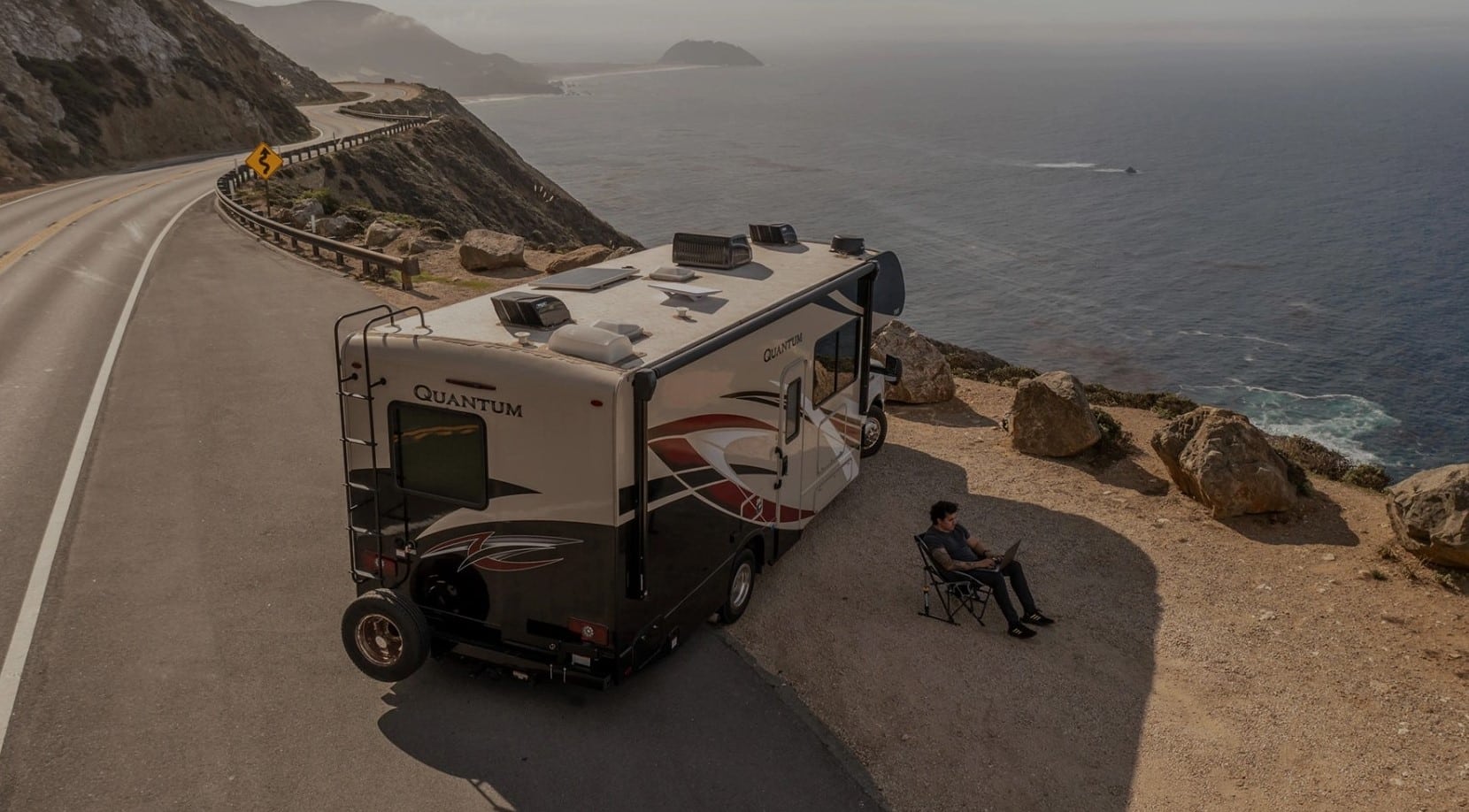
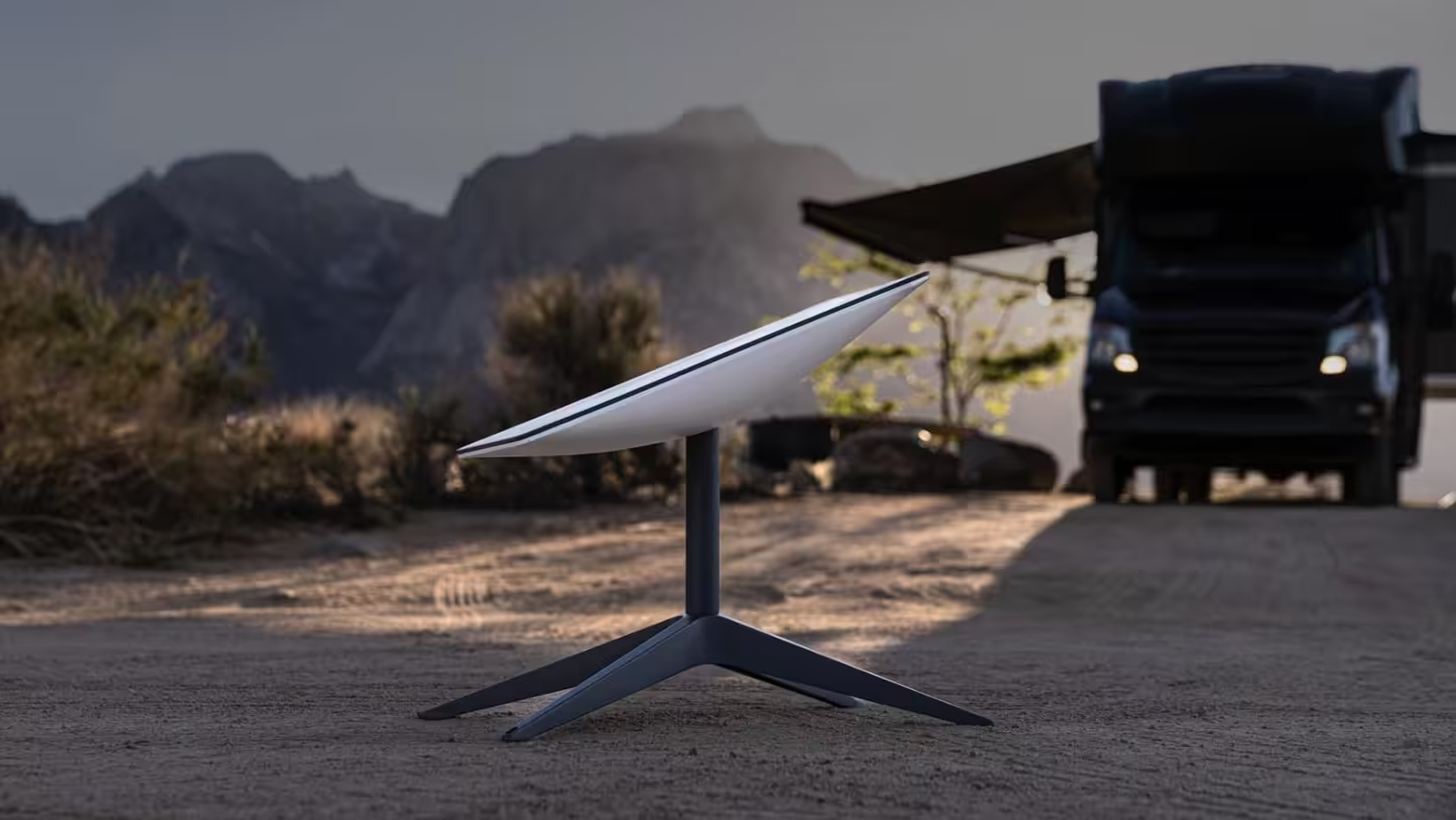
The Starlink Mini has been a revelation for RV travellers since its Australian launch in late 2025. This compact dish is roughly the size of a laptop and weighs just 1.1 kilograms – light enough to throw in a backpack if you’re hiking to a remote campsite.
Here’s what makes the Mini special for caravanners and motorhomers:
Integrated design: The router is built directly into the dish, so there’s no separate box to find space for in your RV. Everything you need fits in one compact unit.
Lower power consumption: The Mini draws just 25-40 watts compared to 75-100 watts for the standard dish. This is brilliant news for off-grid travellers watching their battery levels. You can run the Mini for 12-15 hours on a modest 500Wh portable power station.
Affordable hardware: At $399 for the Mini kit, it’s cheaper than the standard dish but in a more RV-friendly package.
Retail availability: You can pick up a Starlink Mini at Bunnings, JB Hi-Fi, Harvey Norman, or Officeworks. No waiting for shipping if you need one urgently before a big trip.
Performance: While the Mini has a smaller field of view (110° vs 140° for standard), it still delivers excellent speeds for typical RV use – streaming, video calls, browsing, and remote work all perform beautifully.
The Mini isn’t perfect for everyone. That 110° field of view means it’s more sensitive to tree obstructions than the standard dish. If you frequently camp under heavy canopy – think dense rainforest or thick eucalypt groves – the standard dish’s wider view can maintain connection where the Mini struggles. The smaller antenna also means slightly lower speeds in marginal conditions, though for typical RV use, you’re unlikely to notice the difference.
For most RV travellers, the Mini has quickly become the preferred choice due to power draw, size and weight.
| Mini | Standard | |
|---|---|---|
| Price | $399 | $549 |
| Power draw | 25-40W | 75-100W |
| Weight | 1.10kg | 2.9kg |
| Dimensions | 298.5 x 259 x 38.5mm | 594 x 383 x 39.7mm |
| Router | Built in | Separate |
| Best for | Caravans, Motorhomes, Travel | Home use |
| Tree performance | More sensitive to obstruction due to smaller field of view | Maintains connection easier due to wider field of view |
Starlink makes the most sense for RV travellers who regularly venture beyond mobile phone coverage or need reliable internet for work and staying connected. Here’s who benefits most:
If you mostly stick to caravan parks with good Wi-Fi or only take short weekend trips to areas with mobile coverage, a mobile hotspot with a generous data plan might serve you better and save you money. But for those of us who love Australia’s remote corners like Cape York and the Kimberley through to the Nullarbor and Tasmania, Starlink is currently the only solution that delivers 100% coverage nationwide, provided you can see the sky.
When you order a Starlink Mini kit, you’ll receive:
When you order a Starlink Standard 4X kit, you’ll receive:
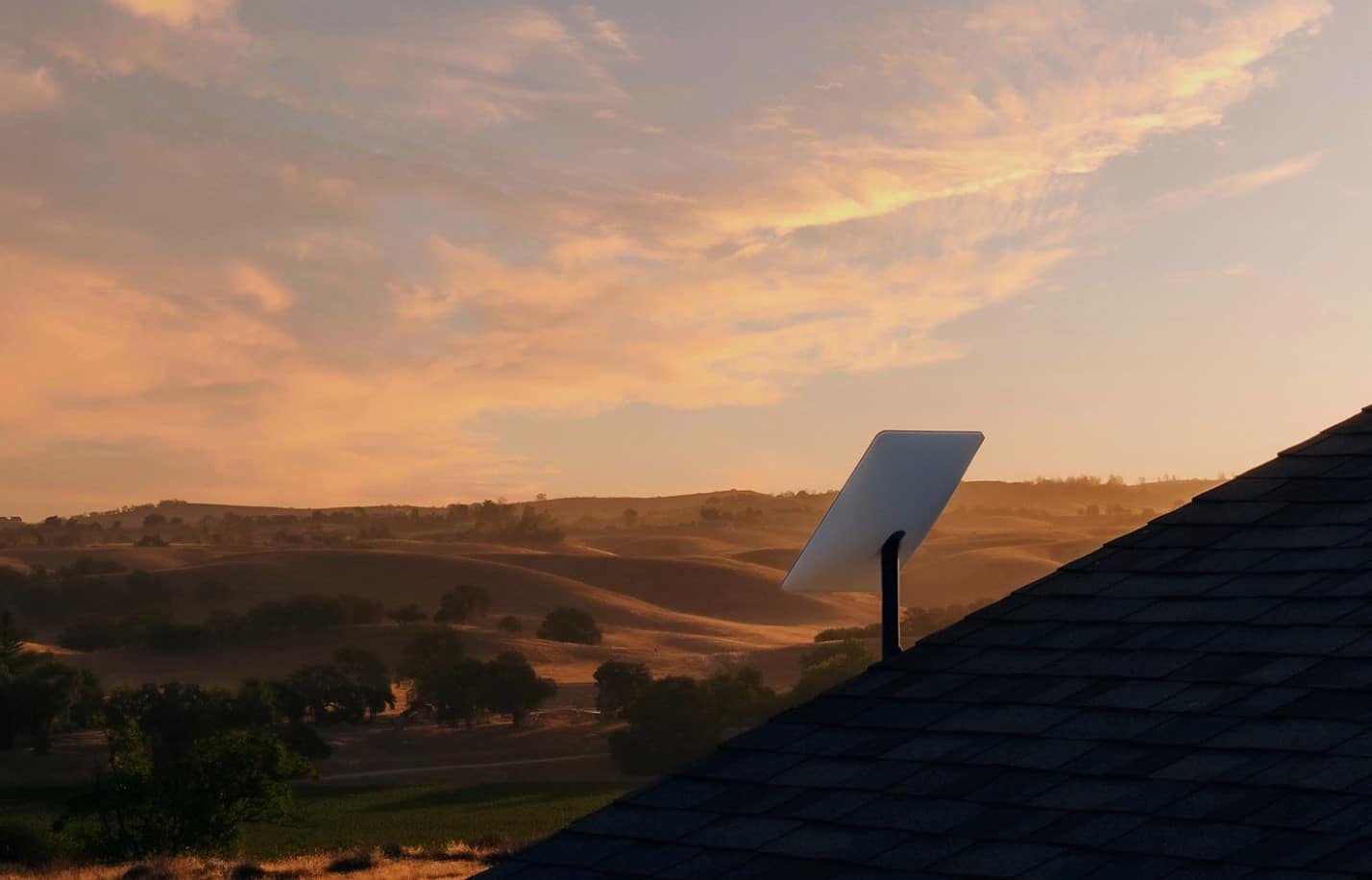
Here’s my honest assessment after using Starlink extensively while travelling: if you live in a city with excellent NBN or 5G coverage and only take occasional weekend trips to caravan parks, you probably don’t need Starlink. Save your money.
However, for those of us who genuinely explore remote Australia – whether that’s full-time nomading, extended grey nomad adventures, or regular trips to national parks and free camps -Starlink has become absolutely worthwhile. Here’s why the value proposition has improved dramatically:
The budget tier changes everything. At $85 per month for 100GB, Starlink is now competitive with premium mobile data plans, but it works literally everywhere you can see the sky. For families conscious of the rising cost of living, this makes connectivity affordable rather than a luxury.
The Mini solves the power problem. Previous Starlink dishes drew 75-100 watts continuously, which stressed many RV power systems. The Mini’s 25-40 watt draw means you can run it comfortably on modest solar and battery setups without anxiety.
It’s the only true national solution. Mobile coverage, even with external antennas, still has significant dead zones across Australia. Starlink provides 100% coverage anywhere you can see the sky.
Peace of mind matters. Knowing you can call for help if you break down in the middle of nowhere, or video-call family from a remote beach camp, provides a sense of security that’s hard to put a dollar value on.
For me personally, Starlink has been transformative. Working remotely while travelling, staying in touch with family through video calls, and having reliable emergency communication access makes the monthly cost worthwhile. The new budget tier would have been perfect for our first year of testing the waters.
One of Starlink’s best features is how straightforward the setup process is. Here’s exactly what to do:
The entire setup process typically takes less than 10 minutes once you’ve found a good spot for the dish. When it’s time to pack up and move on, simply disconnect everything, fold the kickstand, and store it away. The equipment is robust, but treat it with care – replacement parts aren’t cheap.
Here’s a video we made 3 years ago showing how easy it is to set up the standard version (Starlink Mini wasn’t affordable at this stage). Even though this is an older dish, you can see how quickly and easily it gets up and running.
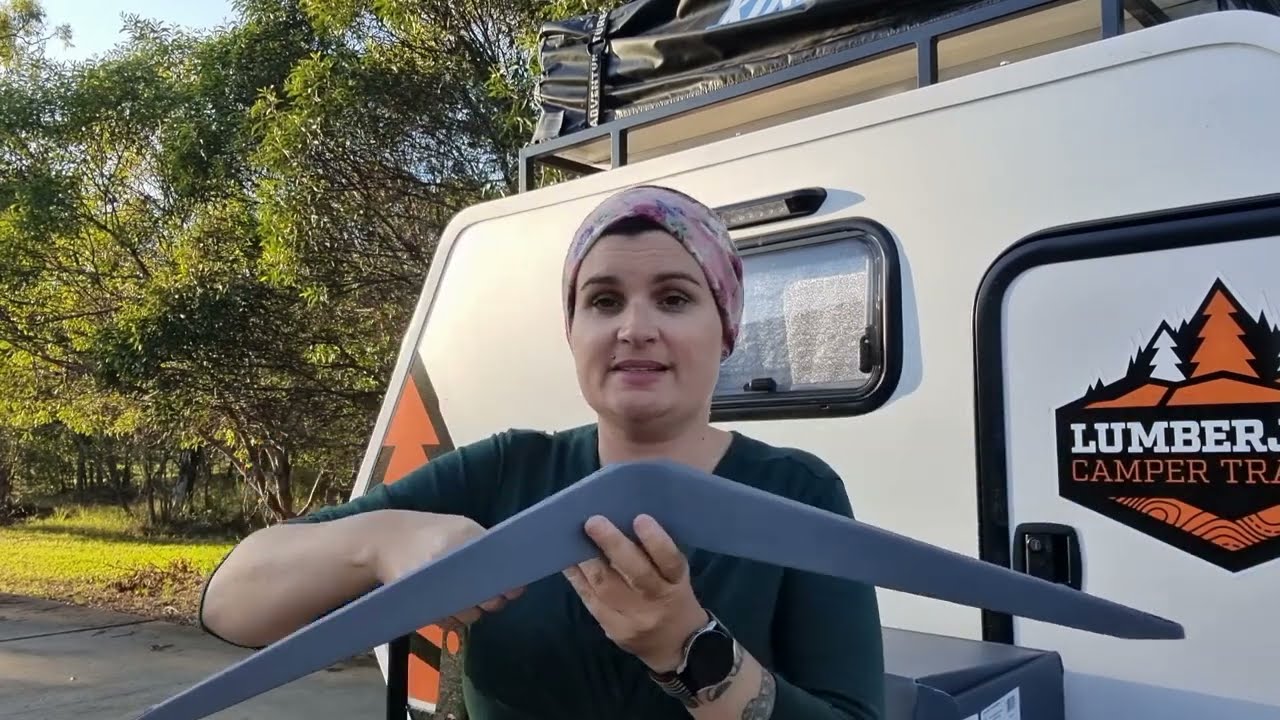
Yes, you can absolutely run Starlink on 12V power from your RV’s battery system, but you’ll need an inverter to convert the 12V DC to 240V AC. This is the standard setup for most caravanners and motorhomers who want to use Starlink off-grid.
Your inverter needs to handle these loads comfortably. A 300-watt pure sine wave inverter is the minimum for the standard dish, though 500W or larger provides better headroom. For the Mini, even a 150-200W inverter works fine, though larger is still preferable for reliability.
This is where the Mini really shines for off-grid RV use. That lower power consumption means you can run it comfortably on a modest battery bank without constantly worrying about your power levels.
Power management is one of the biggest concerns for RV travellers considering Starlink, and rightly so. Let’s talk about realistic power system requirements and solutions.
The Mini’s lower power requirements mean many RVers can run it on their existing setup without expensive electrical upgrades. This is a significant advantage for budget-conscious travellers.
If you don’t want to upgrade your RV’s entire electrical system, you have a couple of options for powering Starlink.
Budget-conscious battery upgrade: Many RVers consider iTechworld lithium batteries (typically $800-$1,000 for 100-200Ah capacity) as cost-effective options for upgrading their existing RV power systems. These work well if you’re happy to install them permanently and already have an inverter and solar charging setup. However, they require some electrical knowledge to install safely.
All-in-one portable solution: If you want a plug-and-play option that requires no installation and can run Starlink and charge devices via solar panels, a dedicated portable power station offers excellent versatility. Here are two options that work brilliantly:
The EcoFlow Delta 2 offers 1,024Wh capacity, which can run the Starlink Mini for 24-30 hours or the standard dish for 10-12 hours. It charges quickly via solar panels and includes a built-in inverter. At around $1,199, it’s a versatile unit that can also power other appliances when you’re not using Starlink.
For extended off-grid stays, the BLUETTI Elite 200V2 provides 2,073Wh capacity – enough to run the Mini for 48-60 hours or the standard dish for 20-24 hours. Priced at around $2,499, it’s a significant investment but provides genuine energy independence for serious remote travellers.
Both portable power stations charge via solar panels, making them perfect companions for extended bush camping where you want Starlink connectivity without shore power or permanent electrical modifications to your RV.
Starlink includes a sleep schedule feature that’s brilliant for managing power consumption. You can set the system to automatically power down during certain hours – like overnight or during the day when you’re out exploring. Access this through the Starlink app under settings.
Other strategies to reduce power use include:
Starlink advertises download speeds between 65 and 260 Mbps on the Roam plans, with typical upload speeds of 15-35 Mbps. In real-world Australian use, most travellers report download speeds between 80 and 180 Mbps, depending on location, obstructions, and network congestion.
From my own testing across various locations in rural and remote Australia, I consistently see download speeds around 150-180 Mbps with uploads of 8-15 Mbps. Right now, as I write this with multiple devices connected – streaming video on one, browsing on another – I’m getting 163 Mbps download with 7.0 Mbps upload. That’s more than adequate for everything we need: 4K streaming, video calls, remote work, and general browsing all work flawlessly.
Your actual speeds will vary based on several factors:
For context on what these speeds enable: streaming HD video requires about 5 Mbps, 4K streaming needs around 25 Mbps, and video calls use 2-4 Mbps. Even at the lower end of Starlink’s performance, you’ll have more than enough speed for typical RV internet needs.
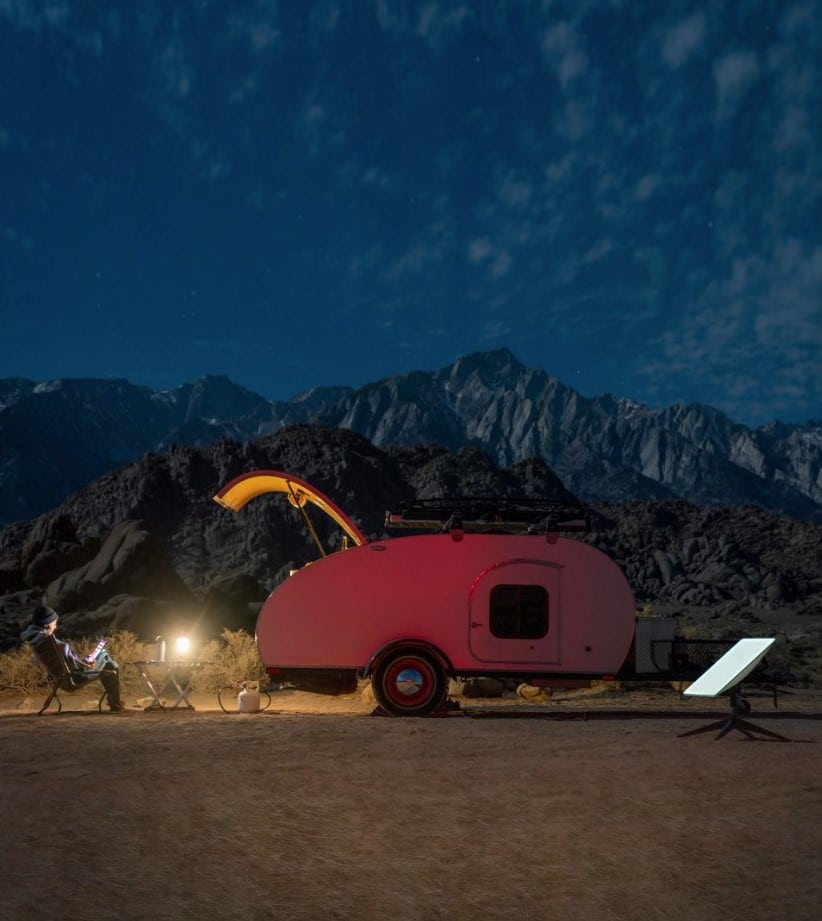
Yes, both the Starlink dish and the Mini are fully weatherproof and designed to live outdoors. They can handle everything the Australian climate throws at them – extreme heat, heavy rain, hail, dust storms, and even gale-force winds. According to Starlink, the hardware is built to withstand conditions that would damage most electronics.
However, there’s an important distinction: only the dish itself is fully waterproof. If you’re using the standard dish, the separate router must stay dry and should be kept inside your RV. The Mini’s integrated design means everything is weatherproof, which is another advantage for RV use.
In heavy rain, you might experience brief interruptions during the worst downpours, but connectivity typically returns quickly once the storm passes. I’ve used Starlink through some solid Queensland monsoons, and while I’ve noticed occasional dropouts during the heaviest rainfall, it reconnects automatically within minutes.
For those planning winter adventures in alpine regions, Starlink includes a snow melt function accessible through the app. The dish can heat itself to melt accumulated snow and maintain connectivity, though this does increase power consumption.
Starlink provides coverage across 100% of Australia, according to its official coverage map. From the tropical north of Cape York to the southern tip of Tasmania, from the red centre to the coastal fringes – if you’re in Australia and can see the sky, you can get Starlink.
The critical requirement is “clear view of the sky.” This means:
The Starlink app’s obstruction checker is invaluable for finding the best spot at your campsite. It uses your phone’s camera to show exactly where the dish needs unobstructed sky view. I’ve found that sometimes moving the dish just three or four metres makes the difference between perfect connectivity and frustrating dropouts.
This is why experienced RV travellers often prefer keeping the dish on its portable mount rather than permanently mounting it to the roof. When you can park your van in lovely shade under a big gum tree but position the dish 10 metres away in a clearing, you get the best of both worlds – comfort and connectivity.
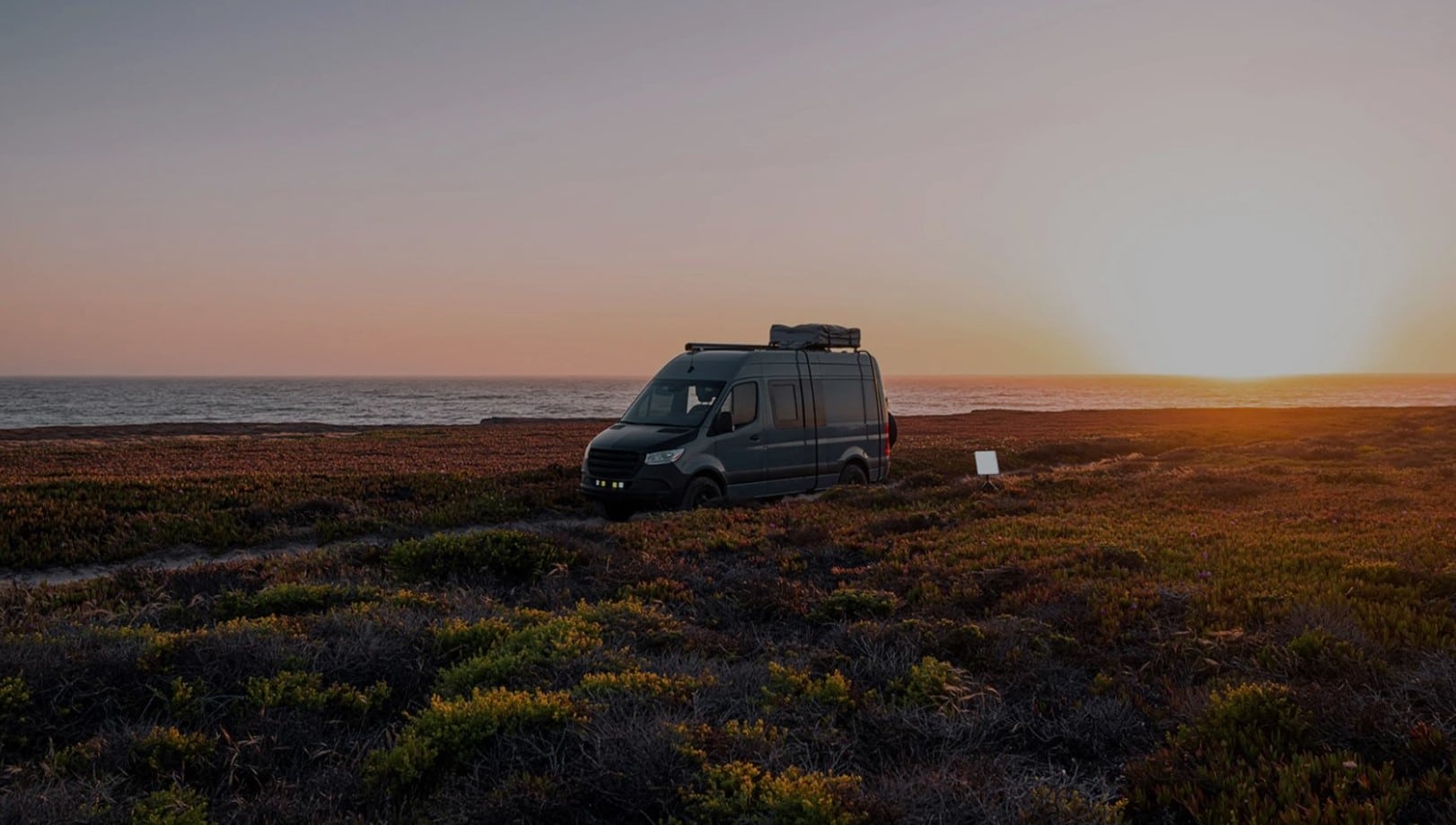
Starlink is the world’s largest satellite constellation, operated by SpaceX. Unlike traditional satellite internet that relies on geostationary satellites positioned 35,786 kilometres above Earth, Starlink satellites orbit much closer at around 550 kilometres. This shorter distance makes all the difference when you’re trying to make a video call to the grandkids from a remote campsite or stream a movie after a long day of driving.
Traditional satellite internet suffers from significant lag because signals must travel that enormous distance twice – up to the satellite and back down. This makes real-time activities like video calls, online gaming, or even loading web pages frustratingly slow. Starlink’s low-Earth orbit satellites, combined with advanced laser links between satellites, deliver high-speed internet with minimal lag.
The satellites themselves are remarkably clever. They automatically avoid collisions with other spacecraft and space debris, and use a custom navigation system that tracks star positions to maintain precise orbital placement. As SpaceX continues launching more satellites, coverage and reliability keep improving – something we’ve definitely noticed over the past year of travelling.
Yes, but it’s not the ideal option if you’re travelling regularly. Residential plans are designed for use at your nominated service address, while Starlink Roam is specifically built for people who want to use their service across Australia. If you’re planning a Big Lap or regularly heading away with your caravan, the Roam plans offer far greater flexibility.
For most caravan owners, the Roam 100GB plan offers the best balance of affordability and flexibility. It’s ideal for weekends away and regular holidays. If you live on the road full-time, stream a lot of content or work remotely, the Roam Unlimited plan is likely to be the better option.
Starlink hardware starts from $399 for the Starlink Mini or $549 for the Standard 4X dish. Monthly plans currently range from $75 for Residential through to $210 for Roam Unlimited. The right plan depends on whether you’re using Starlink at home, travelling occasionally or living on the road full-time.
For most RV travellers, yes. The Starlink Mini is smaller, lighter and uses significantly less power than the Standard 4X dish, making it much easier to use when camping off-grid. Unless you regularly camp under tree cover or need maximum performance, the Mini is the better choice for most caravans and motorhomes.
The dish automatically points itself towards the Starlink satellite network, so you don’t need to align it manually. The most important factor is giving it the clearest possible view of the sky. Before setting up, use the Starlink app’s obstruction checker to identify trees, buildings or other obstacles that could affect performance.
It depends on how much of the sky is blocked. Light tree cover may only cause occasional interruptions, while dense forest or heavy canopy can significantly reduce speeds or cause frequent dropouts. If possible, position your dish in a nearby clearing while keeping your caravan in the shade.
The standard Starlink dish is designed for use while stationary. If you want internet while your vehicle is moving, you’ll need a Starlink Mini on a Roam plan.
Yes. If you only travel during certain times of the year, you can place your Roam service into Standby Mode for $15 per month and reactivate it whenever you’re ready to travel again. There are no lock-in contracts, giving travellers plenty of flexibility.
Yes. In addition to ordering directly from Starlink, you can purchase Starlink hardware from retailers including Bunnings Warehouse, JB Hi-Fi, Harvey Norman and Officeworks.
Yes. Most caravan owners power Starlink through a pure sine wave inverter connected to their 12V battery system. The Starlink Mini uses considerably less power than the Standard 4X dish, making it a better option for travellers relying on solar panels and battery storage.
Initial setup usually takes around 10 minutes. Once you’ve placed the dish in a location with a clear view of the sky, it generally takes just a few minutes to connect to the satellite network. After the first setup, reconnecting at each new campsite is usually even quicker.
Starlink provides coverage across Australia, including many remote regions where mobile reception is unavailable. As long as your dish has an unobstructed view of the sky, you can typically access high-speed satellite internet whether you’re camping in the Outback, travelling across the Nullarbor or exploring Cape York.
If you mostly travel in areas with good 4G or 5G coverage, a mobile hotspot is often the cheaper option. However, if your adventures regularly take you into remote parts of Australia where mobile reception disappears, Starlink provides far more reliable internet access and is currently one of the best connectivity options for off-grid travel.
After extensive use of Starlink across rural and remote Australia – from the Daintree rainforest to the Red Centre of Australia – here’s my honest assessment: Starlink has evolved from an expensive luxury into a practical, accessible tool for RV travellers.
The introduction of the $85 Roam 100GB plan makes connectivity affordable for budget-conscious travellers concerned about the rising cost of living. The Starlink Mini solves the power consumption problem that previously made Starlink impractical for many off-grid RVers. And the ability to pick up a kit at Bunnings or Officeworks removes the barrier of waiting for shipping.
Is it perfect? No. Trees still cause frustrating dropouts if you can’t position the dish properly. The monthly cost adds up for full-time use – $2,340 per year for unlimited is a significant expense in an era of rising living costs. And you need adequate power capacity to run it comfortably off-grid, which might mean expensive upgrades to your electrical system.
You’ll also need to be realistic about data consumption if you choose the budget 100GB plan. It’s genuinely not enough for families who stream heavily or remote workers on constant video calls. The gap between $80 and $210 per month is wide, and many travellers find themselves forced onto the unlimited plan after discovering 100GB disappears faster than expected.
But for those of us who genuinely explore remote Australia – whether for work, adventure, or the simple joy of discovering hidden corners of our incredible country – Starlink delivers something previously impossible: genuine high-speed internet anywhere you can see the sky.
For families, the ability to keep kids entertained and educated on long trips removes a major travel stress point. For remote workers, it enables location independence without sacrificing income. For everyone, it provides peace of mind that emergency help is just a call away, even from the most remote campsite.
The Starlink Mini with the Roam 100GB plan represents the sweet spot for most RV travellers in 2026: affordable monthly cost, low power consumption, compact size, and nationwide coverage. If your travels take you regularly beyond mobile phone coverage, it’s worth every dollar.
Here’s to staying connected while exploring our beautiful country, video calling from a beachside camp, and having the security of knowing help is always accessible – no matter how remote your adventures take you. Safe travels!
Affiliate disclosure: RV Daily may earn a small commission if you purchase products through the affiliate links in this article. This helps us keep creating helpful content for the RV community at no extra cost to you. We only recommend products we genuinely believe will benefit RV travellers based on real-world experience. All opinions and assessments in this article are our own.